Key takeaways
- For a sole trader, a CRM is simply a memory you can trust: who you’ve talked to, what they need and what happens next.
- Start with four things per contact: name, where they’re at, a dated next step and a quick note.
- Ten minutes a day and fifteen minutes on a Friday is all the routine you need.
- Free and low-cost tools like HubSpot’s free CRM, Zoho Bigin or Capsule are plenty when you’re working on your own.
If you’ve ever lost a job because you forgot to call someone back, you already know why a CRM matters. Learning how to use a CRM as a sole trader isn’t about fancy dashboards or sales pipelines with twelve stages. It’s about never letting a good enquiry slip through the cracks again.
In this article, I’ll show you what a CRM actually does for a one-person business, the only details you need to track, and a simple daily and weekly routine that keeps it useful without turning it into another chore.
What a CRM actually does for you
CRM stands for customer relationship management. In plain English, it’s one place where every contact, conversation and follow-up lives, instead of being scattered across your inbox, your phone, sticky notes and your head.
When you work on your own, you’re the salesperson, the bookkeeper and the person doing the actual work. Something has to give, and it’s usually follow-ups. A CRM catches those.
But here’s the important bit: most sole traders don’t fail with a CRM because they picked the wrong one. They fail because they set it up, add a few contacts, then never open it again. So let’s focus on using it, not just having it.
Read next: Switching From Spreadsheets to a CRM: A Simple Guide for NZ Service Businesses
Keep it simple: the only details you need
Most CRMs come with dozens of fields. Ignore nearly all of them. For each contact, you only really need four things.
- Their name and how to reach them.
- Where they’re at, for example new enquiry, quote sent, booked or past client.
- A next step with a date, such as “call Tuesday about the quote”.
- A short note on what you talked about last time.
That’s it. You can always add more later, but if it takes more than a minute to add a new contact, you’ll stop doing it.
A client of mine used to track his leads and contacts in a spreadsheet. The trouble was, when he got busy, he’d forget to look at it. And with so many contacts in one big view, it was hard to see who was where in his sales process.
When he moved to a CRM, he set up a really simple system. Every lead and client went in, and he got an email reminder whenever a follow-up was due. The upshot? He made more sales, because nobody was left out in the cold.
How to use a CRM as a sole trader, day to day
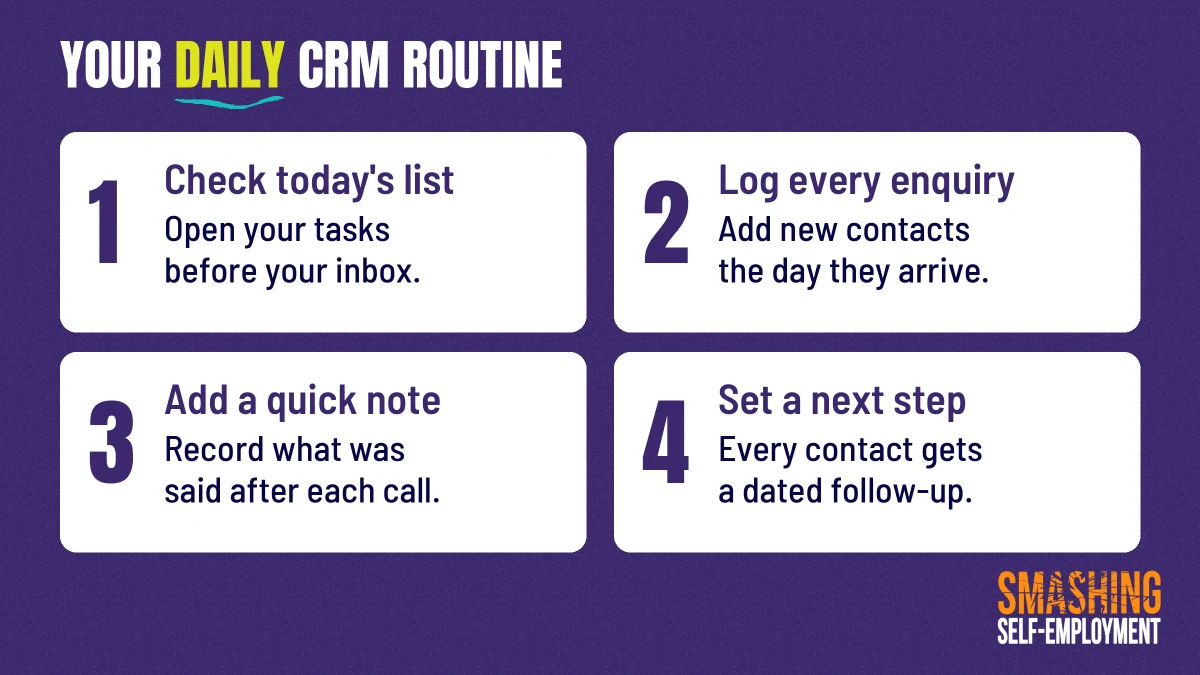
The daily routine is where the magic happens (well, not magic, just consistency). It takes about ten minutes, and I’d do it first thing, before you open your emails.
Start by opening your list of tasks due today. Make those calls, send those emails and tick them off. Then add anyone new who got in touch yesterday, whether that was a phone call, a Facebook message or a chat at the school gate.
After every conversation, add a one-line note and set the next step. To be honest, the note is the bit people skip, and it’s the bit that makes you look brilliant three months later when you remember their kids’ names or the job they mentioned.
Most CRMs have a phone app, so you can do this between jobs or in the car park after a meeting. Little and often beats a big catch-up session you never get around to.
Make follow-ups the heart of it
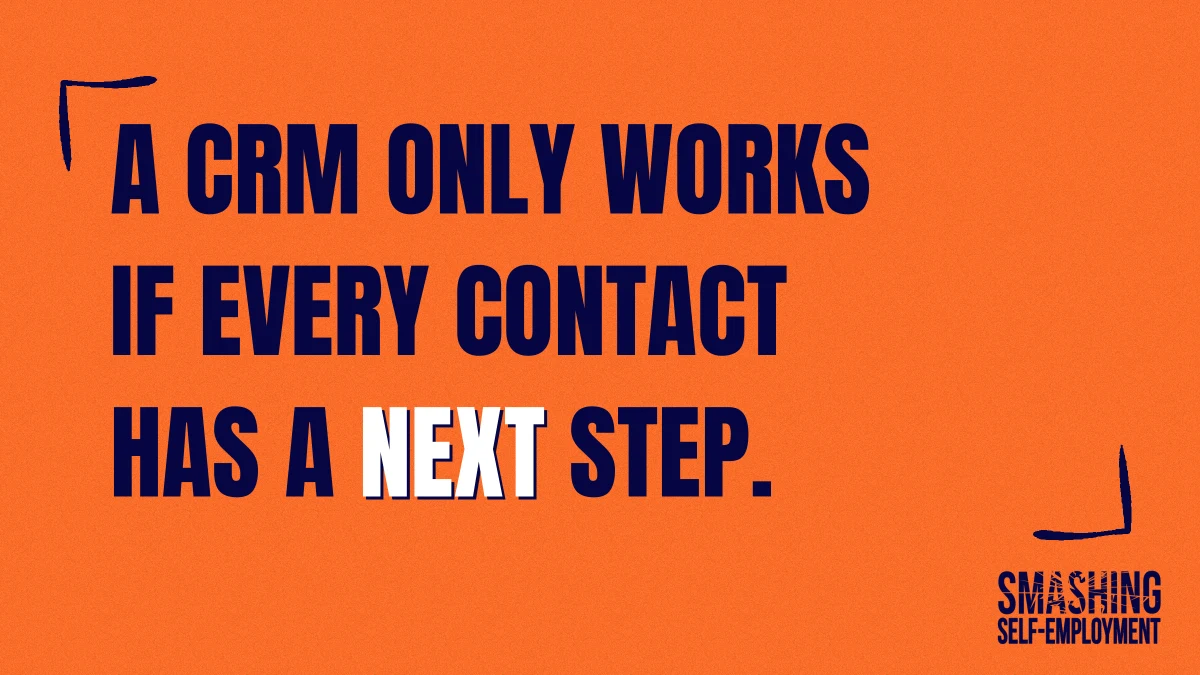
If you only use one feature, make it follow-up reminders. Every contact should have a next step with a date on it, even if that step is “check in again in six months”.
Speed matters here too. Research published in Harvard Business Review found that most companies weren’t responding to online enquiries nearly fast enough. As a sole trader, being the person who replies quickly and follows up when you said you would is a real advantage over bigger firms.
Don’t forget past clients, either. A quick “how’s everything going?” to someone you worked for last year often turns into repeat work or a referral. Set a reminder for three, six or twelve months after each job, depending on what you do.
Your fifteen-minute Friday check-in
Once a week, give your CRM a quick health check. Friday afternoon works well, because it sets up a cleaner Monday.
Look for contacts with no next step and give them one. Check which quotes are still waiting and decide whether to chase them or let them go. Then glance at where your new enquiries came from this week. Over a few months, that tells you which marketing is actually bringing in work, which is gold when you’re deciding where to spend your time and money.
That’s genuinely all the “reporting” most sole traders need. You don’t need charts. You need to know who to call on Monday.
Let it do some of the work for you
Once the habit sticks, you can let your CRM take a few jobs off your plate. Most tools can connect to your website contact form, so new enquiries land in your CRM automatically instead of sitting in your inbox.
You can also set up simple automatic emails, like a friendly “thanks, I’ll be in touch within one working day” reply, or a check-in email a few months after a job. That’s called marketing automation, and it simply means the software sends the right message at the right time so you don’t have to remember.
Just don’t automate before the basics work. A messy CRM with automation on top just makes a faster mess. If you’d like help getting it right, I offer CRM setup and marketing automation for small businesses, sized to suit a one-person operation.
Read next: Marketing Automation for NZ Service Businesses
Frequently asked questions
Do I need to pay for a CRM as a sole trader?
Usually not at first. HubSpot’s free CRM, Zoho Bigin and Capsule all offer free or low-cost plans that handle contacts, notes and reminders, which covers what most sole traders need.
How long does it take to set up a CRM?
You can be up and running in an afternoon. Add your current enquiries and recent clients first, then add older contacts gradually as they come up.
Can I just use my phone contacts instead?
Your phone stores numbers, but it won’t remind you to follow up or show you which quotes are waiting. That’s the gap a CRM fills.
What if I fall behind with it?
Don’t try to catch up on everything. Add a next step to your ten most important contacts, then pick up the daily routine again from tomorrow.
This week, sign up for a free CRM, add your 20 most recent contacts and give every one of them a dated next step. Then open it tomorrow morning before your inbox.
And remember, do a little marketing every day. Being consistent is the key to marketing success.
If you’d like a hand setting up a CRM that suits the way you work, email me at help@smashingselfemployment.com and I’ll point you in the right direction.